
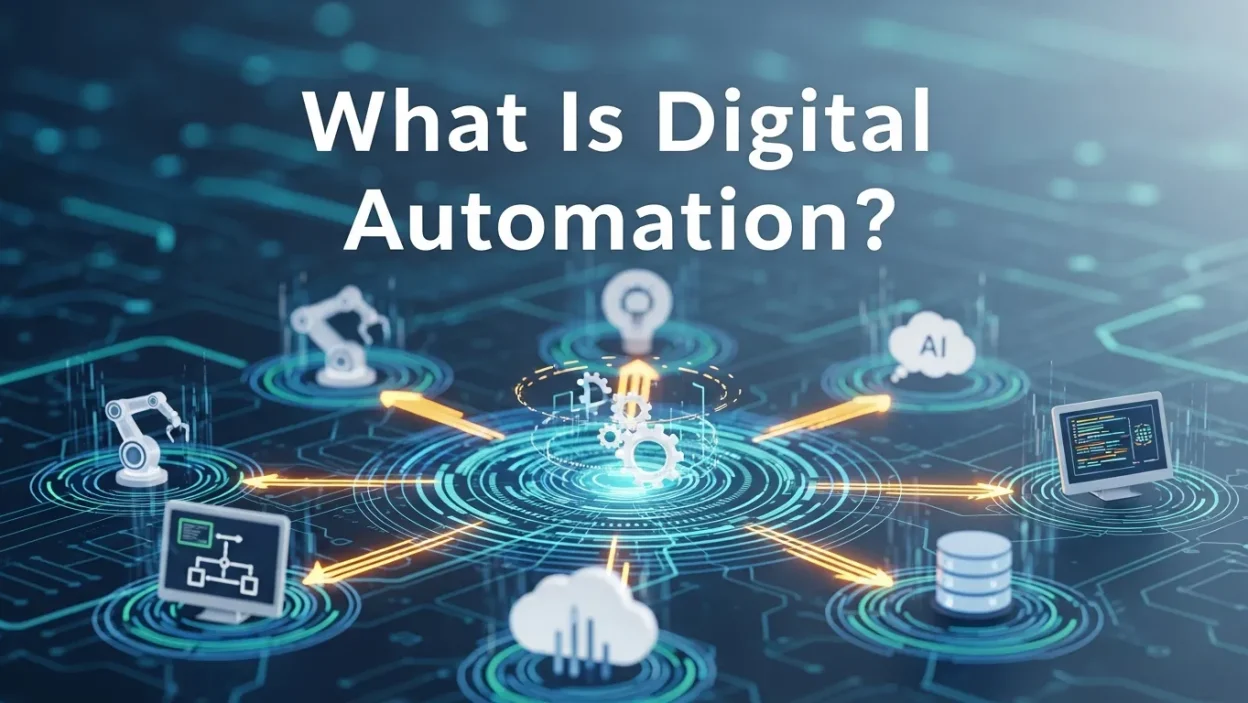
Digital automation uses software and tools to perform repetitive or complex tasks without human effort. It boosts efficiency, reduces errors, saves costs, and improves customer experiences. From workflow automation to AI-powered tools, businesses can scale operations, enhance collaboration, and focus on high-value, strategic work.
In today’s fast-changing business world, speed and efficiency are everything. Every second counts when customers expect instant replies and employees juggle multiple tasks. This is where digital automation comes in. It’s not a trend—it’s the foundation of how modern companies grow and stay competitive.
What Exactly Is Digital Automation?
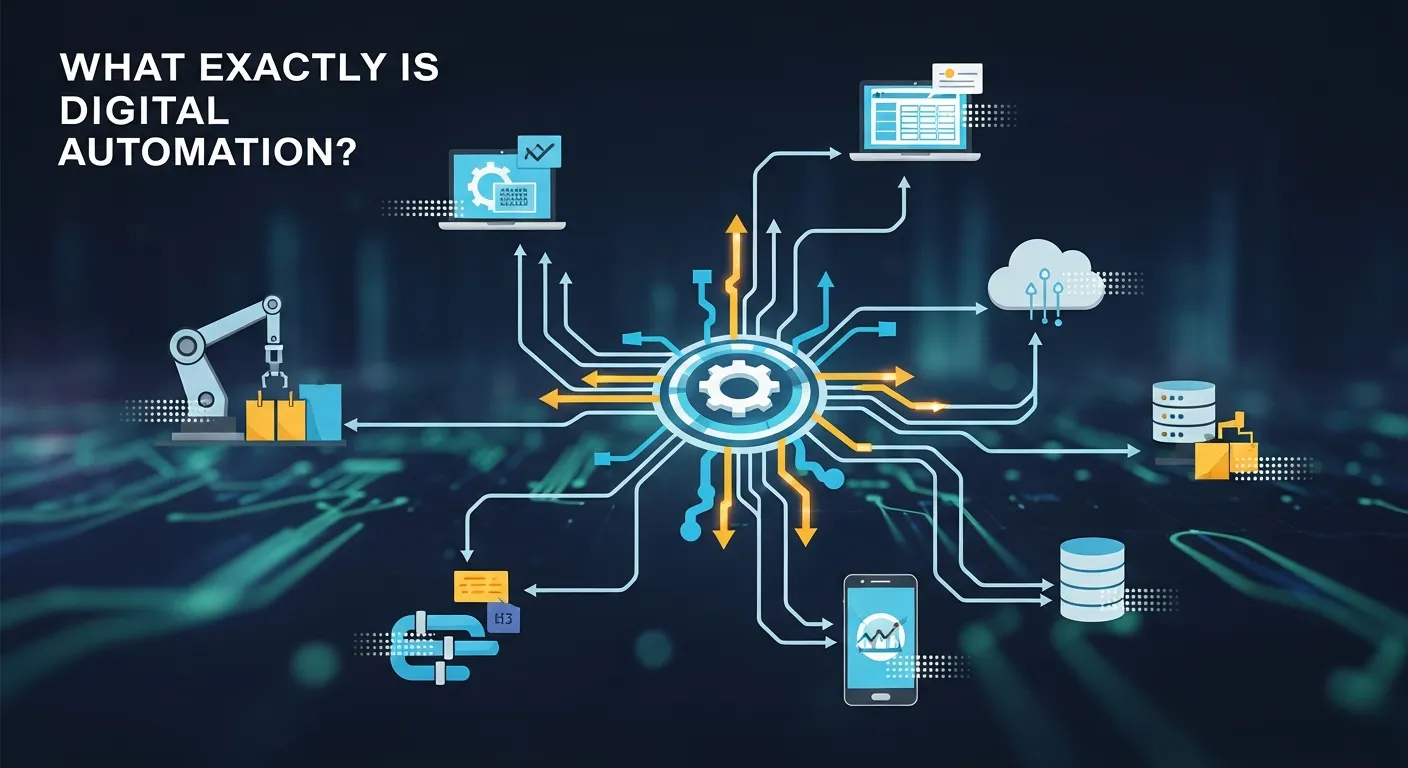
Digital automation refers to the use of software, digital tools, and intelligent systems to perform tasks without human effort. These tasks can be simple and repetitive, like sending emails or updating databases, or complex workflows involving multiple steps and approvals. Essentially, automation allows processes to run consistently and efficiently, reducing errors and freeing employees to focus on higher-value work.
By creating systems that follow predefined rules, businesses ensure tasks are executed the same way every time. For example, a customer submitting a contact form can automatically receive a thank-you email, have their information added to a CRM, and trigger a salesperson notification—all without human intervention.
Digital automation also plays a role in social impact areas like financial inclusion. Mobile banking, digital wallets, and online loan platforms rely on automation to reach underserved populations, ensuring fast, reliable, and secure services even in remote areas.
Moreover, automation scales operations efficiently. As organizations grow, repetitive manual tasks no longer require more staff. Integrations with AI and IoT make automation smarter, enabling predictive actions, intelligent decisions, and responses to real-world events.
Where We See Digital Automation Every Day
You’ve probably already seen digital automation in action, even if you didn’t realize it. When you get a confirmation email after buying something online—that’s automation. When your bank alerts you of a low balance—that’s automation too.
Businesses also use it behind the scenes to manage tasks like:
-
Updating customer databases
-
Approving leave requests
-
Sending out newsletters
-
Tracking inventory
-
Routing service tickets
These tasks used to take up valuable time. With digital automation, they’re done faster, without delays or mistakes.
Why Is Digital Automation Important?
The most obvious benefit of digital automation is saving time. But its value goes much deeper than that.
Boosts Productivity
When your team doesn’t have to repeat the same boring tasks every day, they can focus on things that require creativity, problem-solving, and real thinking. Automation frees people to do work that matters.
Reduces Human Error
Even the best employees make mistakes. A wrong entry, a missed deadline, or a forgotten step can cost a business money or customers. Automation reduces those errors because the system runs things exactly how it’s programmed.
Saves Money
Over time, automation means fewer hours wasted, fewer errors, and less need for extra hands. That means real savings. It also allows you to grow your business without constantly hiring more staff.
Improves Customer Experience
Automation ensures that customers don’t have to wait. Whether it’s a quick email response, a personalized recommendation, or a real-time update, automation keeps your service sharp and efficient.
How Digital Automation Works
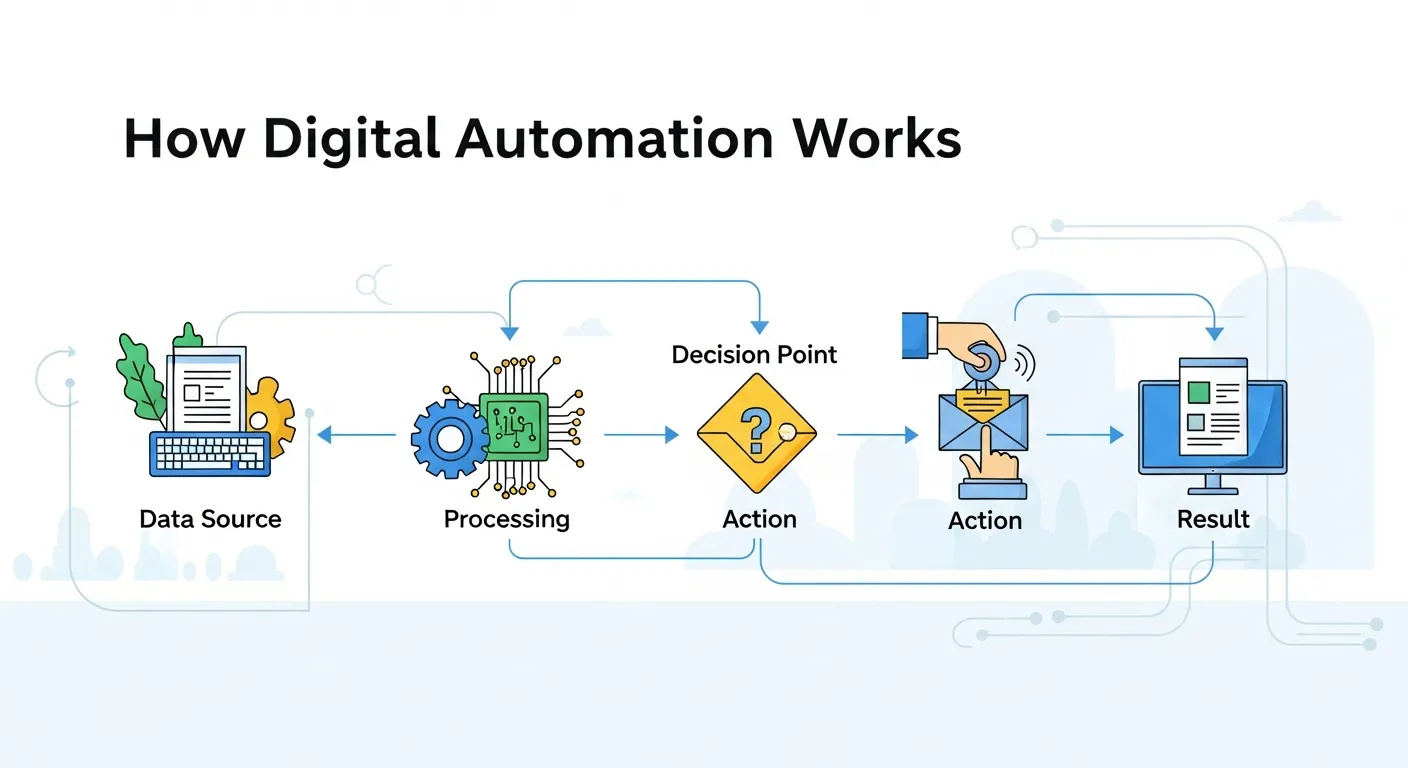
Automation tools work by following a series of instructions or “rules.” Once set up, the tool waits for a trigger—an action that tells it to begin.
Here’s a simple example:
- A customer submits a contact form on your site.
- That form triggers an automatic thank-you email.
- At the same time, it adds the customer’s info to your CRM.
- A salesperson is assigned and notified automatically.
All of that happens in seconds. No one on your team has to lift a finger.Reading More Digital Process Automation in Financial Services
Types of Digital Automation
Depending on your needs, there are several types of automation you can use.
Workflow Automation
This is about creating step-by-step digital processes that run without manual effort. Tools like Zapier or Make connect apps together to move data or trigger actions.
Robotic Process Automation (RPA)
RPA (Robotic Process Automation)uses bots to mimic human actions like clicking, typing, or copying and pasting. It’s great for older systems that don’t easily connect to modern software.
Marketing Automation
From welcome emails to cart reminders, marketing automation helps keep your customers engaged without constant work from your marketing team.
IT Process Automation
System updates, backups, and monitoring alerts—these can all be handled by automation tools, reducing downtime and keeping systems running smoothly.
Benefits Beyond Efficiency
Digital automation goes far beyond just speeding up tasks. Its impact can transform how teams operate, customers experience services, and businesses scale their operations sustainably.
-
Enhanced Collaboration – Automation tools can ensure that tasks move smoothly between departments, reducing bottlenecks and miscommunication.
-
Scalable Processes – Repetitive tasks that once required extra hires can now scale with minimal effort.
-
Better Analytics – Automated systems record every step, giving businesses data to improve performance and identify trends.
-
Compliance and Security – Automated workflows can enforce consistent processes, helping businesses meet regulatory requirements and reduce errors.
By adopting automation, companies not only save time but also create an environment where teams can focus on strategic, creative, and value-driven work.
Organizations using automation effectively often see improvements in team morale, customer satisfaction, and operational transparency, which collectively drive long-term growth.
Benefits Beyond Efficiency
Digital automation goes far beyond just speeding up tasks. Its impact can transform how teams operate, customers experience services, and businesses scale their operations sustainably.
-
Enhanced Collaboration – Automation tools can ensure that tasks move smoothly between departments, reducing bottlenecks and miscommunication.
-
Scalable Processes – Repetitive tasks that once required extra hires can now scale with minimal effort.
-
Better Analytics – Automated systems record every step, giving businesses data to improve performance and identify trends.
-
Compliance and Security – Automated workflows can enforce consistent processes, helping businesses meet regulatory requirements and reduce errors.
By adopting automation, companies not only save time but also create an environment where teams can focus on strategic, creative, and value-driven work.
Organizations using automation effectively often see improvements in team morale, customer satisfaction, and operational transparency, which collectively drive long-term growth.
Common Tools for Digital Automation
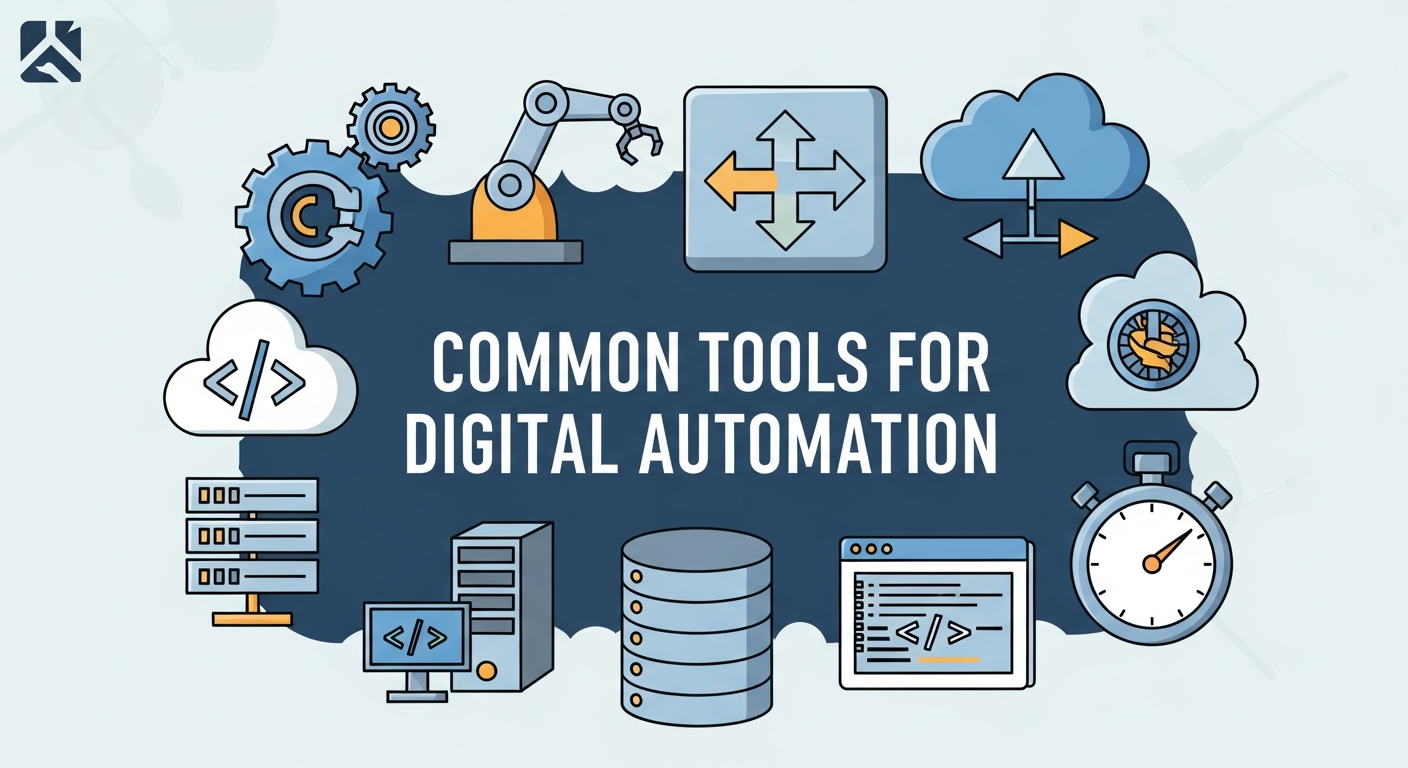
You don’t have to build anything from scratch. Plenty of tools make automation easy—even for non-tech users.
Some popular options include:
-
Zapier: Connects apps like Gmail, Slack, Trello, and more.
-
HubSpot: Automates customer relationships and email campaigns.
-
Make (formerly Integromat): Powerful visual workflows for advanced users.
-
UiPath: Leading RPA tool for automating computer-based tasks.
Each tool serves different needs. Some are perfect for small businesses. Others are built for enterprise-level operations.
Comparing Popular Automation Tools
Choosing the right automation tool depends on your goals, team size, and technical expertise. A quick comparison can help identify which tools fit best.
| Tool | Best For | Key Features | Learning Curve |
|---|---|---|---|
| Zapier | Small to medium businesses | Connects multiple apps, triggers workflows | Easy |
| HubSpot | Marketing and sales teams | Email automation, CRM, analytics | Moderate |
| Make (Integromat) | Advanced workflow design | Visual workflow builder, multi-step automation | Moderate to High |
| UiPath | Enterprise-level RPA | Bot-based automation, legacy system integration | High |
This table illustrates that not all automation tools are created equal, and the right choice depends on what processes you want to optimize and how much technical support your team can handle.
Proper selection ensures that automation delivers maximum impact without overwhelming teams or creating unnecessary complexity.
Is Digital Automation Replacing Jobs?
This is one of the biggest concerns when people hear the word “automation.” It’s true—some repetitive jobs are being replaced. But many more roles are simply changing.
Instead of replacing people, digital automation often supports them. It removes boring tasks, helps them move faster, and lets them focus on higher-value work. In many cases, it actually creates new roles—like automation specialists, process analysts, and digital workflow designers.
Getting Started with Digital Automation
If you’re curious about using digital automation in your business, start small.
-
Identify repetitive tasks. What’s taking up your team’s time?
-
Choose the right tool. Start with a free or low-cost tool.
-
Create simple workflows. Try automating one or two tasks.
-
Test and improve. Make sure the automation is running smoothly before scaling it up.
Over time, you’ll start to see real benefits: more time, fewer errors, and a smoother operation overall.
Digital automation isn’t just for tech companies or large corporations. It’s for anyone who wants to do more with less effort. Whether you’re a small business owner, freelancer, or team leader, automating even a few daily tasks can free up your time and give you a competitive edge.
The future of work is not about doing everything manually. It’s about working smart. And digital automation helps make that future possible—today.
Future Trends in Digital Automation

Digital automation is continuously evolving, fueled by AI machine learning, and cloud computing. Businesses that stay ahead of these trends can gain significant advantages in efficiency and innovation.
- AI-Powered Automation – Systems can make decisions automatically, like prioritizing customer support tickets or predicting inventory needs.
- Hyper-Personalization – Automated workflows can deliver tailored experiences to individual customers at scale.
- Integration with IoT – Connected devices can trigger automation based on real-world events, from temperature changes to equipment usage.
- Intelligent Process Mining – Automation systems analyze processes to identify inefficiencies and recommend optimizations.
Looking forward, digital automation will increasingly blend routine tasks with intelligent decision-making, making operations faster, smarter, and more responsive to both employee and customer needs.
The ultimate goal is to create business ecosystems that are agile, adaptable, and capable of continuous improvement, ensuring competitiveness in the modern market.
Conclusion
Digital automation is no longer optional—it’s essential for modern businesses. By automating routine tasks, companies free employees to focus on creativity and strategy, reduce errors, improve customer satisfaction, and remain competitive in a fast-paced digital world. Embracing automation ensures scalable, efficient, and resilient operations.
Frequently Asked Questions on Digital Automation
1. What is digital automation?
Digital automation refers to using software, applications, or digital tools to perform tasks automatically without manual intervention. It can handle repetitive, routine processes as well as complex, multi-step workflows, reducing the need for human effort while increasing consistency and speed.
2. Why is digital automation important for businesses?
Digital automation saves time, reduces human error, lowers operational costs, and improves efficiency. By automating routine tasks, employees can focus on strategic, creative, and decision-making work, enabling businesses to scale operations and remain competitive in fast-paced markets.
3. What types of digital automation exist?
Common types include:
-
Workflow automation: Automates multi-step processes across applications.
-
Robotic Process Automation (RPA): Uses bots to mimic human actions on legacy systems.
-
Marketing automation: Handles email campaigns, social media posts, and customer engagement automatically.
-
IT process automation: Manages system monitoring, backups, and updates without manual input.
4. How does digital automation improve productivity?
By removing repetitive tasks, automation frees up employee time for higher-value activities, such as problem-solving, innovation, and strategic planning. Teams can focus on tasks that require creativity and critical thinking rather than manual, time-consuming work.
5. Can digital automation reduce human error?
Yes. Automated systems follow pre-defined rules consistently, eliminating mistakes caused by fatigue, oversight, or forgetfulness. This leads to more reliable outcomes, fewer reworks, and improved operational accuracy.
6. Which tools are commonly used for digital automation?
Popular tools include:
-
Zapier: Connects apps and triggers automated workflows.
-
HubSpot: Automates CRM, marketing, and customer communications.
-
Make (formerly Integromat): Enables advanced visual workflow automation.
-
UiPath: RPA tool for automating tasks on desktop and legacy systems.
Each tool is designed for different needs and complexity levels, from small businesses to enterprise solutions.
7. Is digital automation replacing jobs?
While some repetitive or manual roles may change, digital automation often supports employees rather than replaces them. It creates new opportunities, such as workflow designers, automation specialists, and process analysts, and allows employees to focus on tasks that require creativity and decision-making.
8. How does digital automation improve customer experience?
Automation ensures customers receive fast, consistent, and personalized interactions. Examples include automated emails, notifications, alerts, personalized recommendations, and real-time updates, all of which enhance satisfaction and strengthen customer trust.
9. What are the long-term benefits of digital automation?
Long-term benefits include: scalable processes that grow with the business, smoother collaboration between teams, enhanced analytics for better decision-making, consistent compliance with regulations, and more efficient, transparent operations that drive profitability.
10. How does digital automation integrate with AI and IoT?
AI enhances automation by enabling intelligent decisions, predictions, and data analysis. IoT devices can trigger automated workflows based on real-world events, such as sensors, equipment usage, or environmental changes, creating a seamless connection between physical and digital processes.
11. How should a business start implementing digital automation?
Begin by identifying repetitive or time-consuming tasks. Select the right tools that match your workflow needs, create simple automated processes, and test them carefully. Gradually scale automation as your team gains experience, ensuring processes remain effective and error-free.
12. What is the future of digital automation?
The future involves combining AI, machine learning, and IoT for smarter, adaptive, and predictive automation. Businesses will benefit from intelligent workflows that optimize operations in real-time, personalize experiences at scale, and create faster, more agile, and responsive business environments.



Embedded Finance: How Seamless Financial Services Are Integrating into Everyday Apps
Digital Finance VS Traditional Finance: What’s The Real Difference?
Digital Marketing for Financial Services: Strategies That Deliver Results
How Open Banking APIs Are Revolutionizing Digital Finance?
Digital Twin Technology in Finance: How Virtual Models Are Transforming Risk Management
The Future of Personal Finance: Autonomous Finance and AI Money Management
AI Credit Scoring: Revolutionizing SME Banking and Digital Loans
AI Fraud Detection: How Banks Prevent Financial Crime in Real Time